
In this article we will discuss how to submit a review for
- Products in the BranaBee shop
- Sellers that sell, manage, and ship those products.
To submit a review, you must first log in.
Products
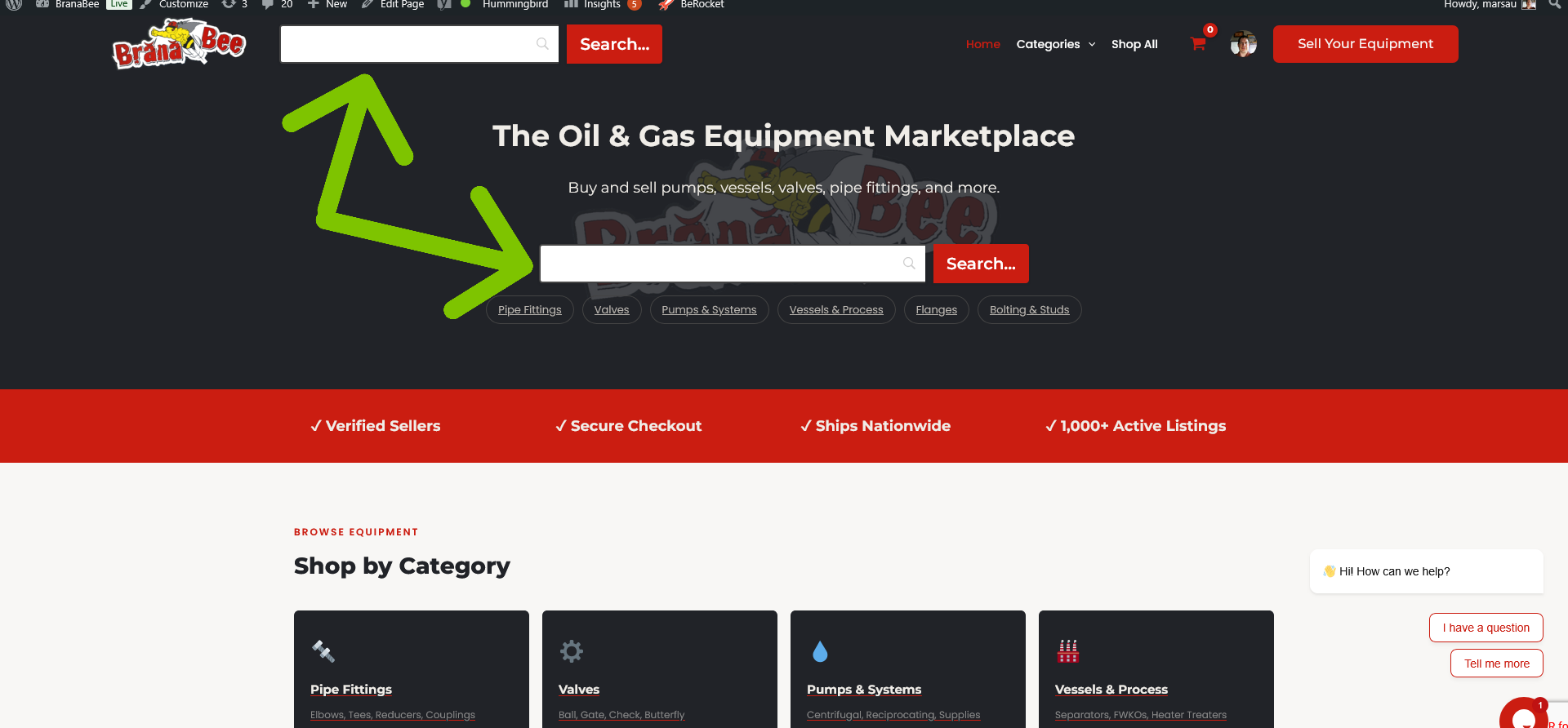
We start on the homepage. First, you need to locate the product you purchased. You can do that by visiting your Account page, then Type in a search term like “fitting” and choose a product by clicking on it. You’ll be taken to the product page that contain the term you searched.
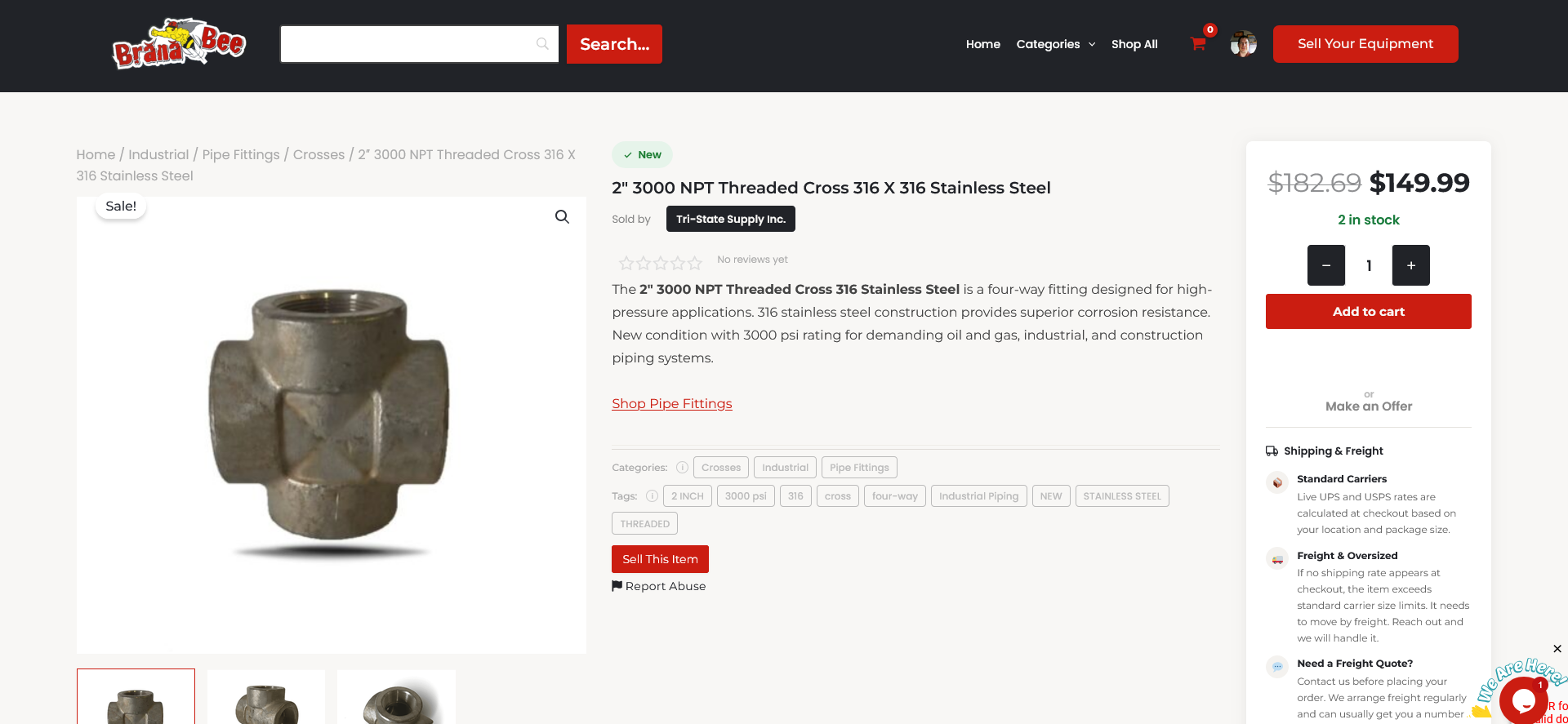
One the product page, it should appear like the following photo.
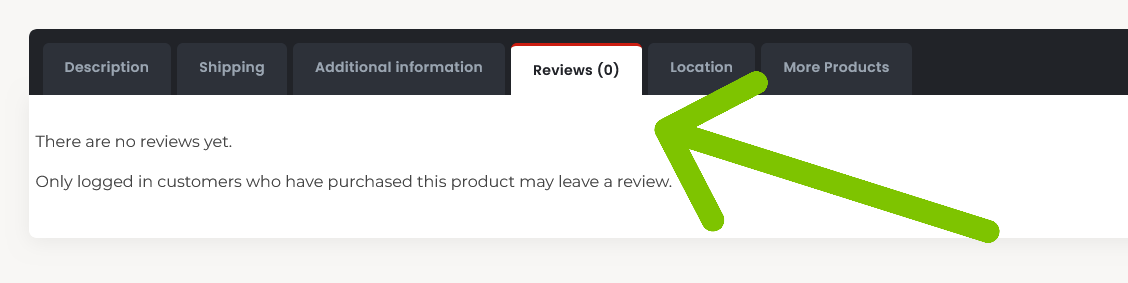
Scroll down to the section with various tabs. You’ll see one labeled ‘Reviews’
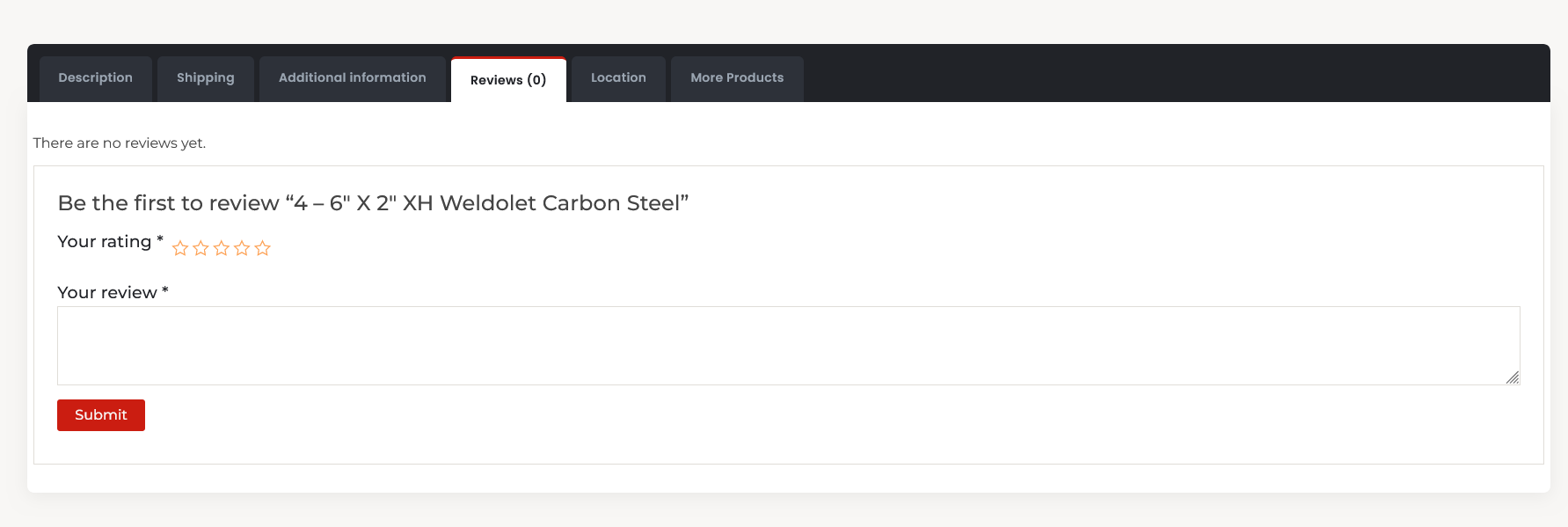
A section appears revealing the reviews for the product. Click ‘Write a Review.’ (you must be logged in, and have purchased the product) Enter your review in the input box, choose a star rating of 1 to 5 stars, and be sure to click ‘Submit‘. That’s it!
A disclaimer: You cannot review products that you are selling on BranaBee. You may be required to have purchased the items before we allow you to review them. We only remove spam reviews when users flag them for us. Customers take their time to review products on our marketplace and can be sure that their review will be shown publicly, as long as the review does not violate our terms of service.
Sellers
We encourage customers to review our sellers on BranaBee in order to establish trust in the community. To review a seller on BranaBee you need to locate the seller’s profile page. Let’s begin.
Start on the homepage. There are a few ways to get to a seller’s profile page, which is exactly what we need to do. Locate the product you purchased, where you can find the seller’s Name. click on that name to be taken to their profile page (You can also use a link from an email BranaBee has sent you after purchasing a product).
Once on the seller’s profile click ‘Reviews.‘ then click ‘Write a Review.’ Then submit the review. That’s all!
We hope this article helped you discover how to submit a review on BranaBee.
Be sure to follow us on social media for the latest products, deals, and helpful tips!